

Overview
Our integration with LoyaltyLion rewards customers with loyalty points for verified retail purchases. Customers link their retailer accounts (Walmart, Target, and others) from your loyalty page, and LoyaltyLion awards points for linking an account and for buying your products at a linked retailer.Features
- Award points when a customer links a retailer account
- Award points per dollar spent on your products at linked retailers
- Reward historic purchases made before the account was linked
- Count linked-retailer purchases toward milestone challenges
Requirements
- A Subtotal account set up with the retailers you sell through
- A paid LoyaltyLion plan
- A LoyaltyLion program whose primary store uses US dollars (USD)
Setup
1
Start the install
In the Subtotal Dashboard, open Apps and click 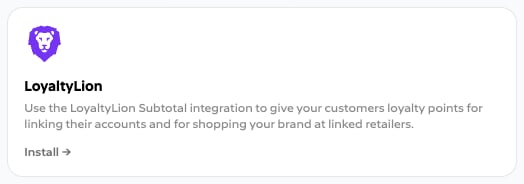
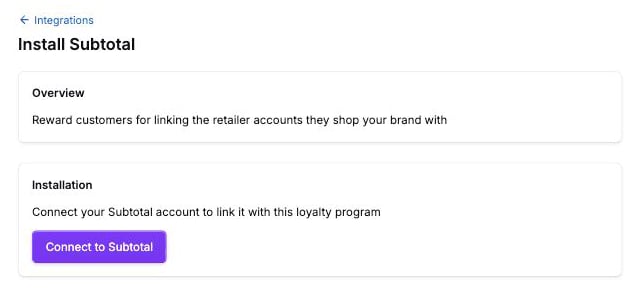
Install on the LoyaltyLion listing. You can also start in LoyaltyLion under Integrations → Subtotal.Connect to Subtotal.2
Approve access in Subtotal
Sign in to the Subtotal Dashboard and approve the connection. LoyaltyLion gets read access to your connections, retailers, and purchases of your products.
3
Configure earning rules
Back in LoyaltyLion, confirm Subtotal shows as connected, then set up the Link a retailer account and Shop at a linked retailer rules. Follow the LoyaltyLion Subtotal integration manual.
email when you create a connection. The Shopify app captures it automatically.