Go to Apps → Klaviyo → Flows in the Subtotal Dashboard to view your flows or start a flow.
Start a flow in Klaviyo
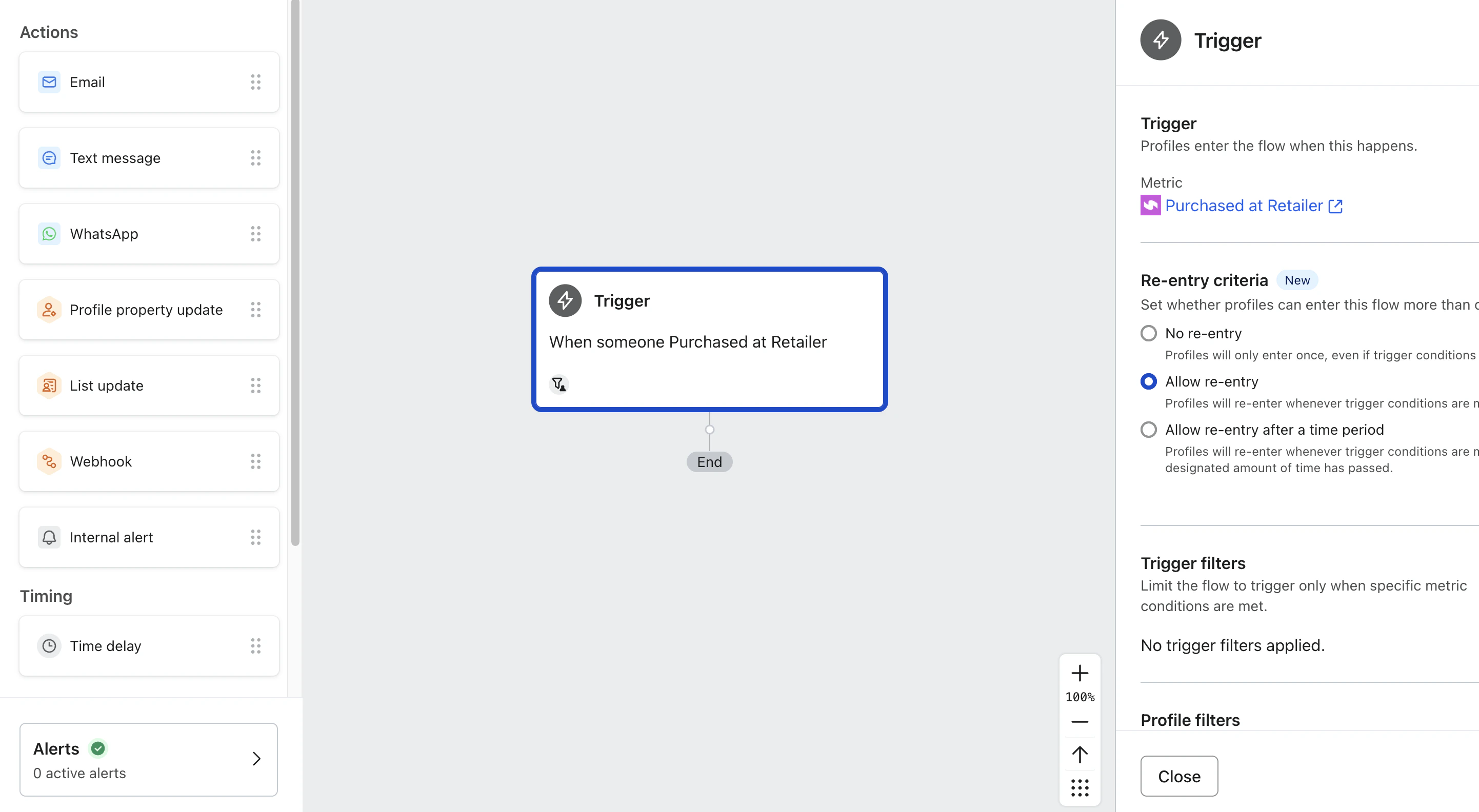
Click Create flow to open Klaviyo’s flow creation page.
A purchase event can include older purchases when an account first connects. The event’s Purchase history setting controls which purchases are included.