Overview
The Klaviyo integration sends retail purchase, account connection, and profile events from Subtotal to Klaviyo. You can use these events to build customer segments and trigger automated flows.Connect your Klaviyo account
- Open Apps → Klaviyo in the Subtotal Dashboard and click Connect Klaviyo.

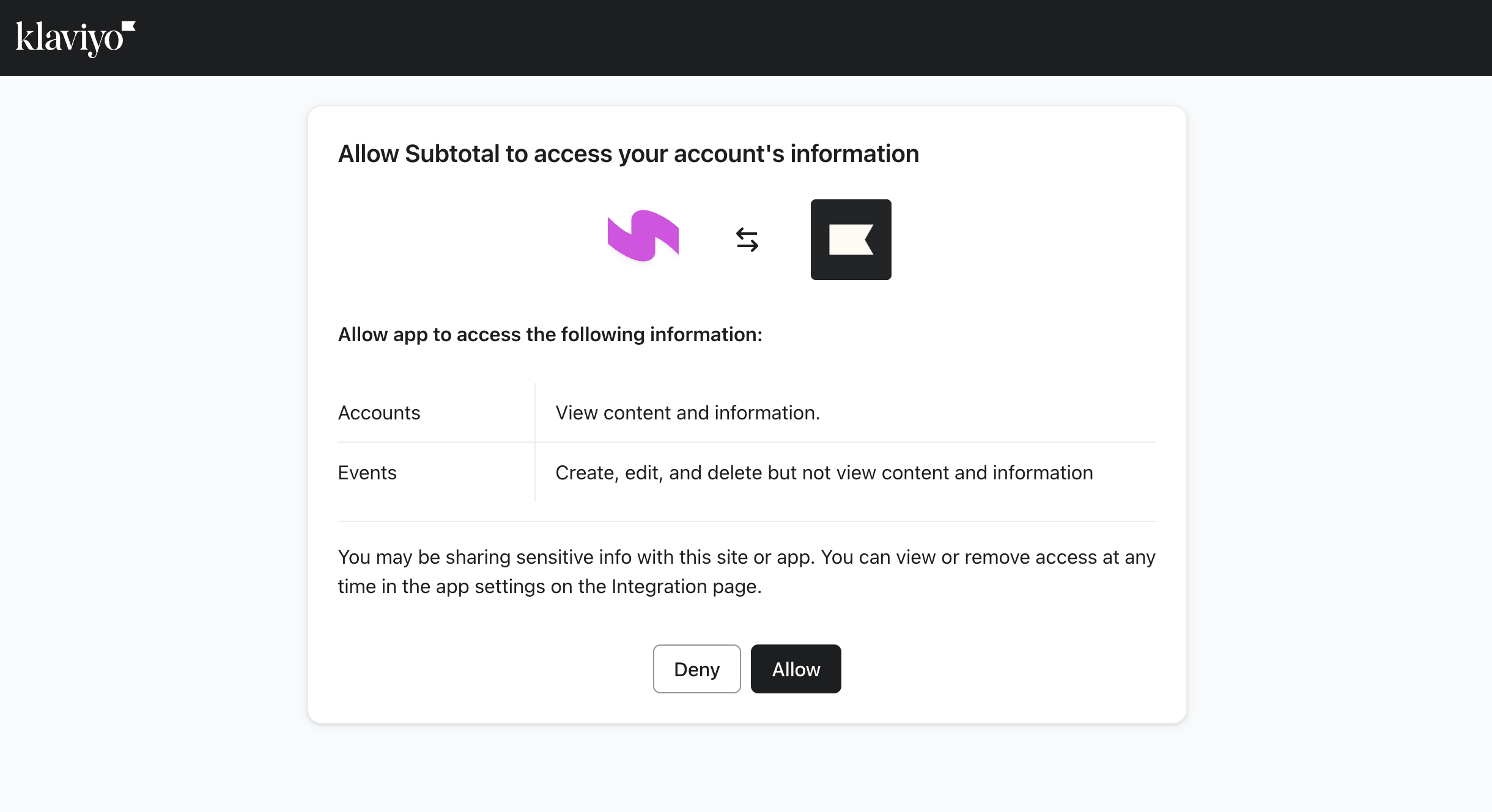
- Review the requested permissions in Klaviyo, then click Allow.
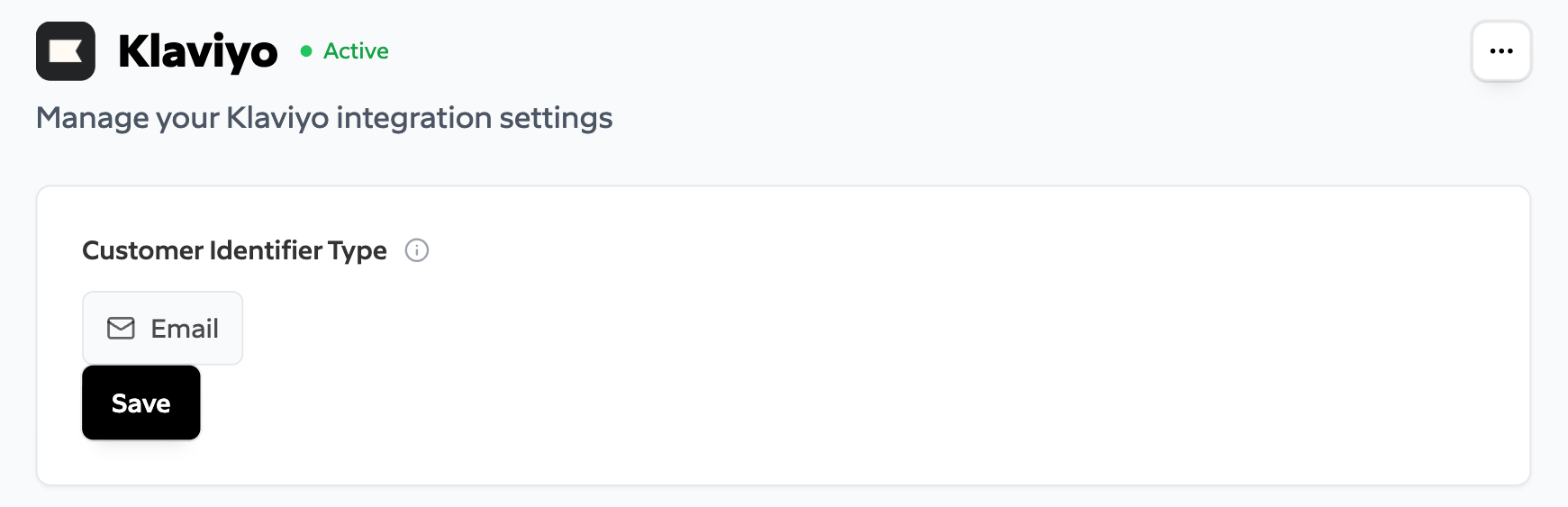
- Return to the dashboard and confirm that the integration status is Active.
- Read your Klaviyo account and available metrics.
- Send events to Klaviyo.
- Read flows in your Klaviyo account.
- Read and create segments in your Klaviyo account.
Customer matching
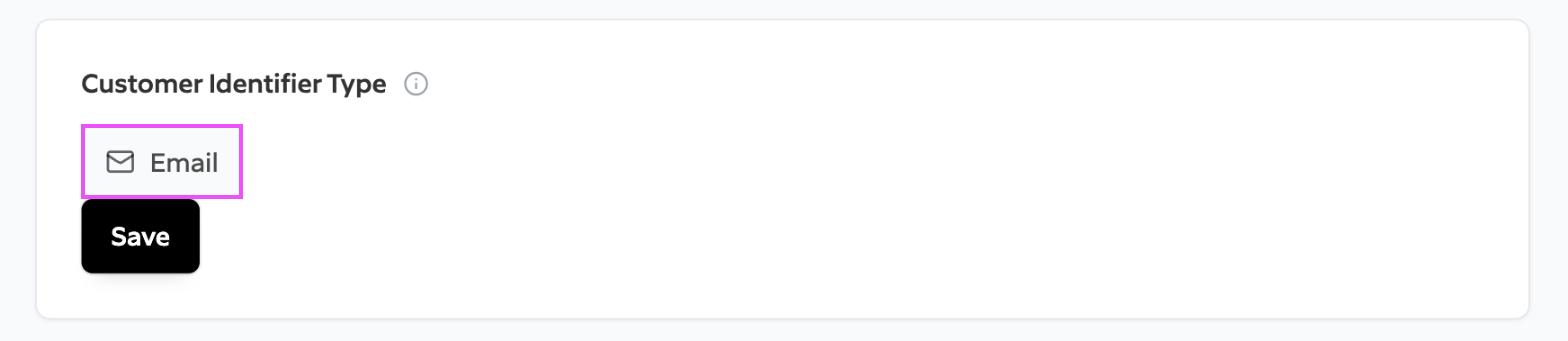
Subtotal identifies a Klaviyo profile using the email stored on the connection. This is the email your application supplies when it creates a Link token or a connection through the Connections API. You can update it through the Connections API. The email collected from the retailer account is not used to identify the Klaviyo profile. An event is not sent when the connection has no email.