

Overview
Our integration with Attentive makes it easy to reward customers for linking accounts and making retail purchases. We’ll show you how to make the most out of this integration.Connect your Attentive account
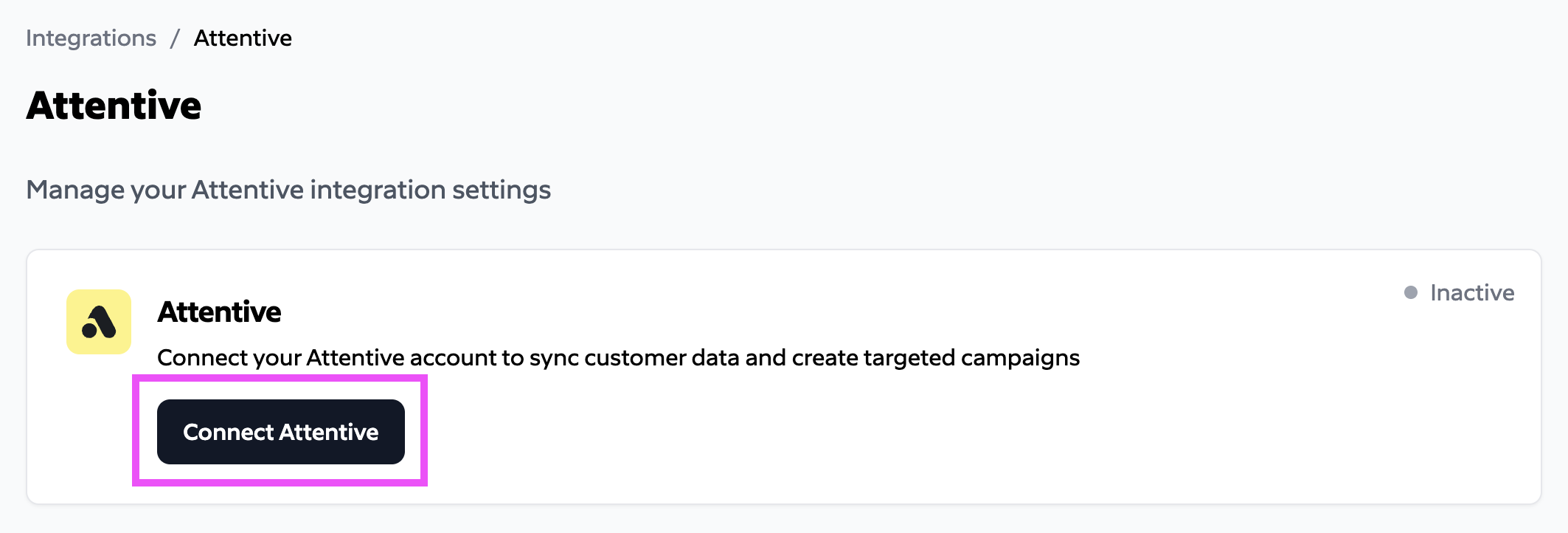
Sign in to the Subtotal Dashboard and connect your Attentive account to enable the integration. Navigate to Integrations -> Attentive -> Connect. Click theConnect Attentive button.
Configuration
Event types
Subtotal delivers the following custom events to Attentive. Each event can be used to trigger journeys or build segments.Connected an Account
Sent when a customer connects a retailer account.
Example
Purchased at Retailer
Sent for each historical purchase and for any newly detected purchases.
Example
Profile Created
Sent the first time Subtotal captures a customer’s profile for a connection — their identity details and purchase metrics scoped to your brands.
Example
Profile Updated
Sent when a previously captured profile changes — for example an updated email or postal code, or when new purchases shift the brand-purchase metrics. Carries the same properties as Profile Created.
Example