

Before you start
- Access to Subtotal and the Meta business portfolio that owns your dataset.
- Permission to grant Subtotal access to that dataset.
- Access to the ad account you want to use for reporting.
- Your team’s approval for ad-platform sharing. See consumer choices and opt-outs.
- A working process for communicating consumer opt-outs to Subtotal, including applicable opt-outs you already hold, before enabling event delivery.
Existing or new dataset?
Subtotal sends to datasets you grant access to; it does not create one for you.
Connect and configure
1
Connect Meta
Open Meta in the Subtotal Dashboard, then select Connect. Complete Meta authorization and grant the intended business assets.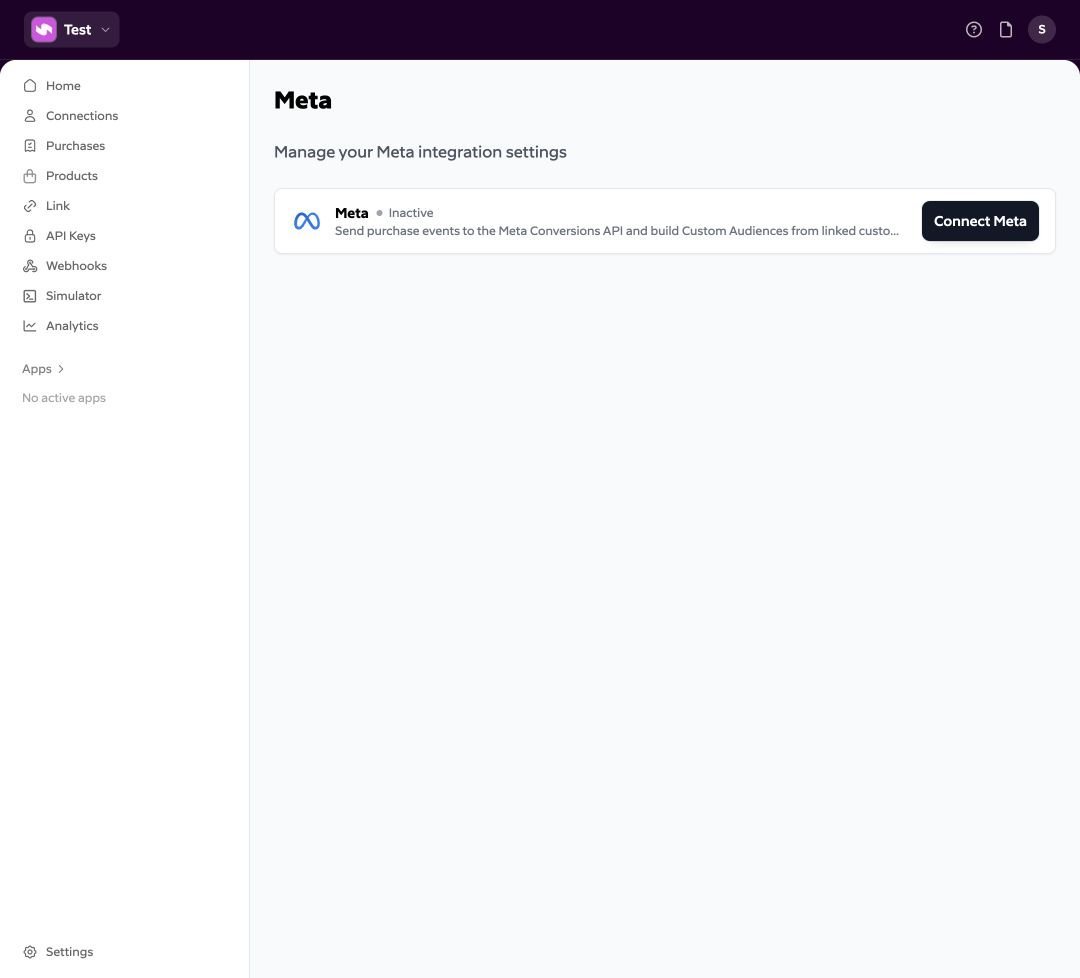
2
Confirm your dataset
Back in Subtotal, check Connected business and Datasets. Confirm the dataset ID, not just its name.If it is missing, check permissions in Meta and use Update on the integration to authorize again.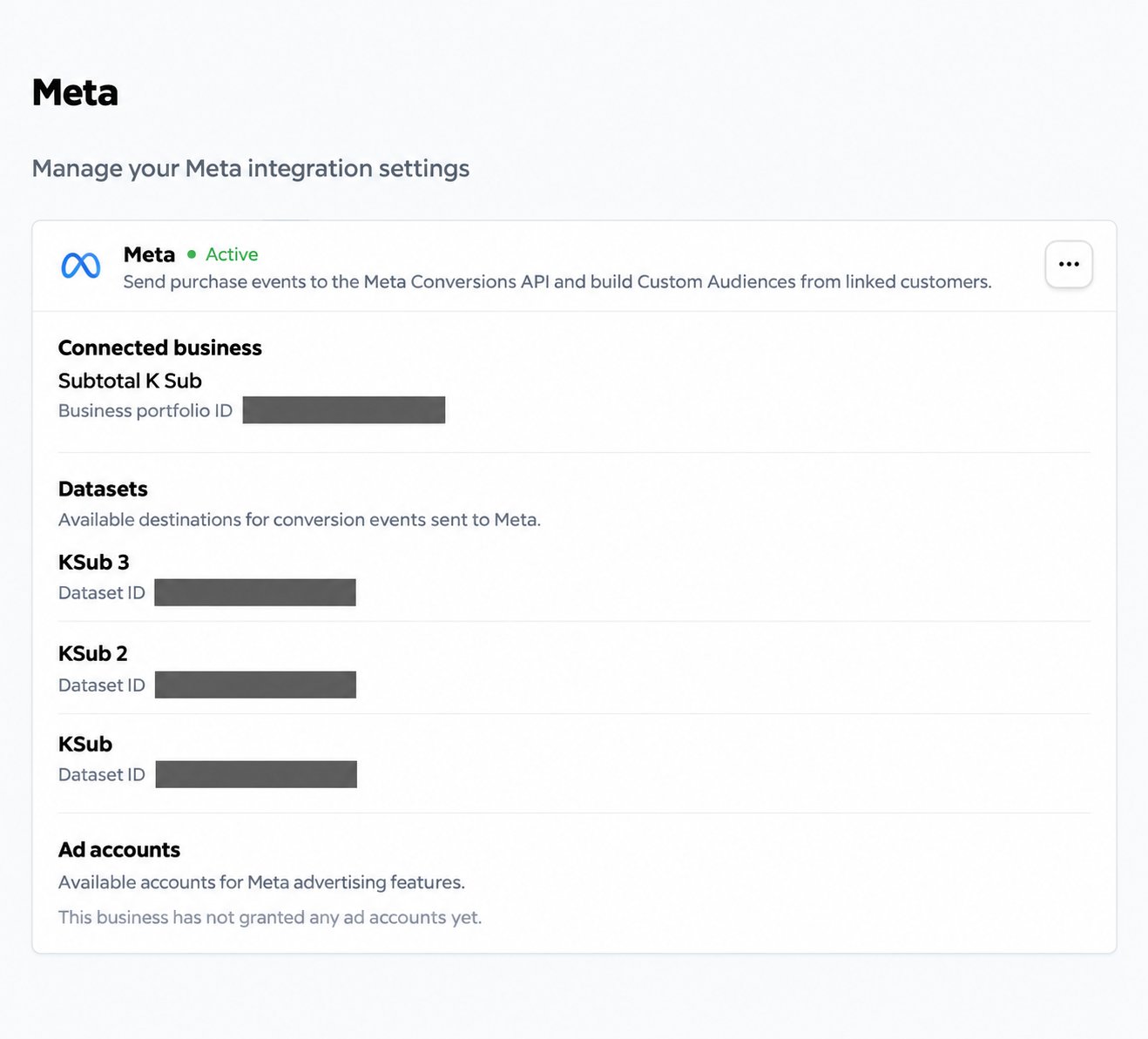
3
Add an event
Open Meta → Events and select Add event.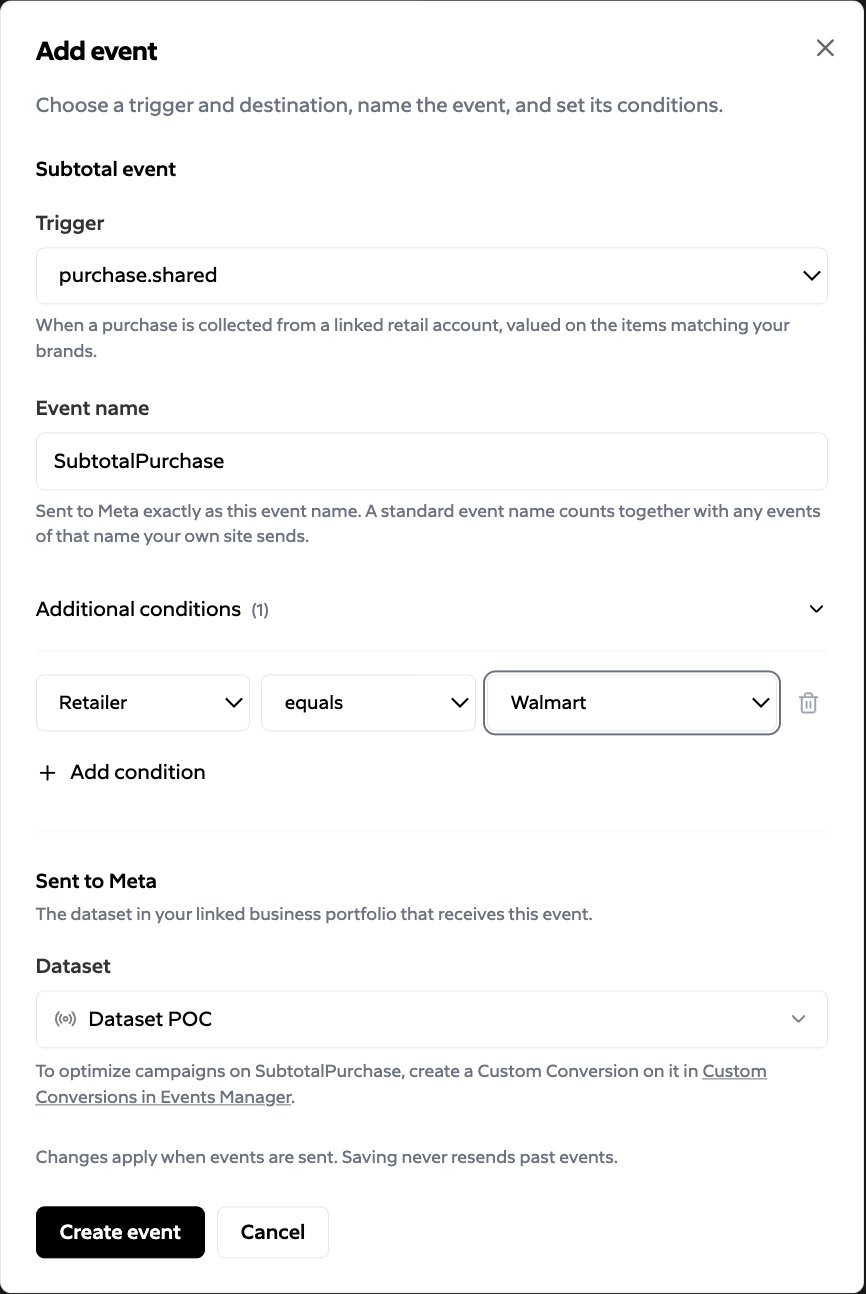
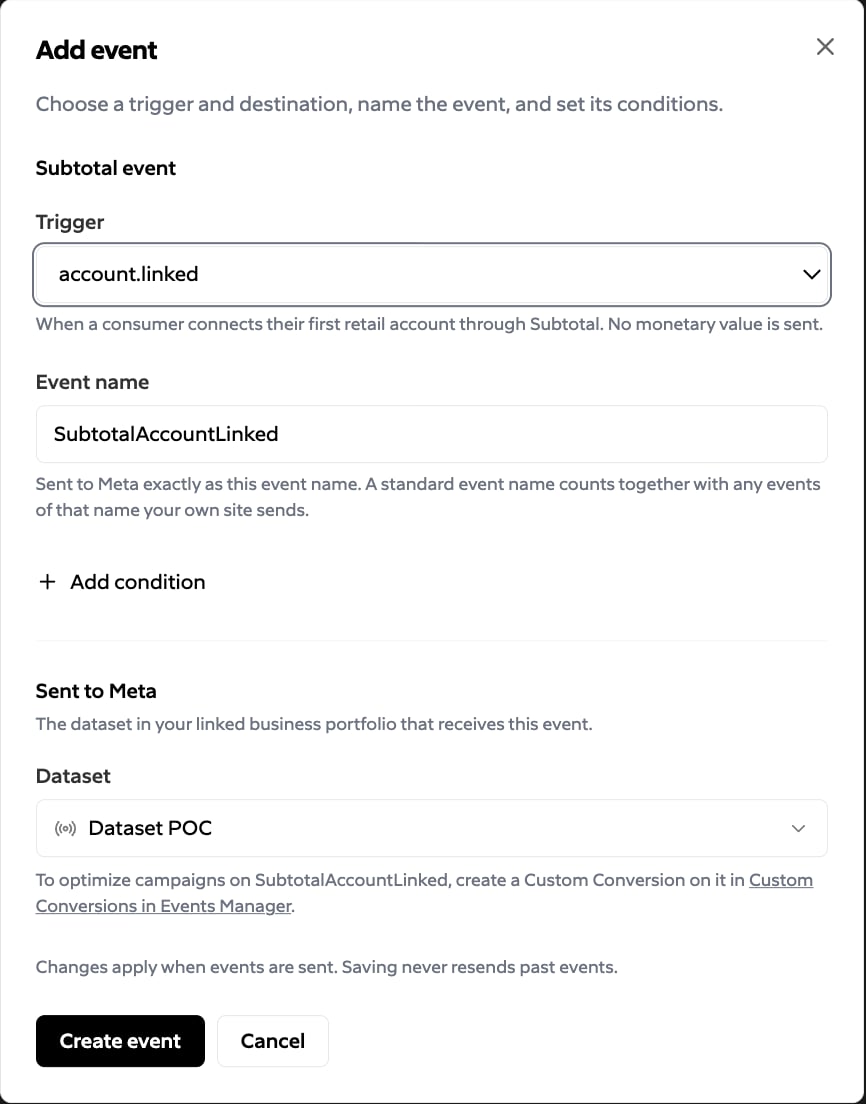
Select Create event to save. Repeat for another trigger or dataset. Each trigger can be sent to a dataset once, under one event name.
- Account connected
4
Verify delivery
Complete a new, eligible account link for a selected retailer. For purchase verification, wait for an eligible recent purchase to be collected.Open the matching dataset in Meta Events Manager and inspect the configured event on the dataset’s overview. Check its name, time, and available parameters. Events usually appear within an hour of being sent; allow for collection delays before that.Events from Subtotal do not appear in the Test events tab, which shows only website events.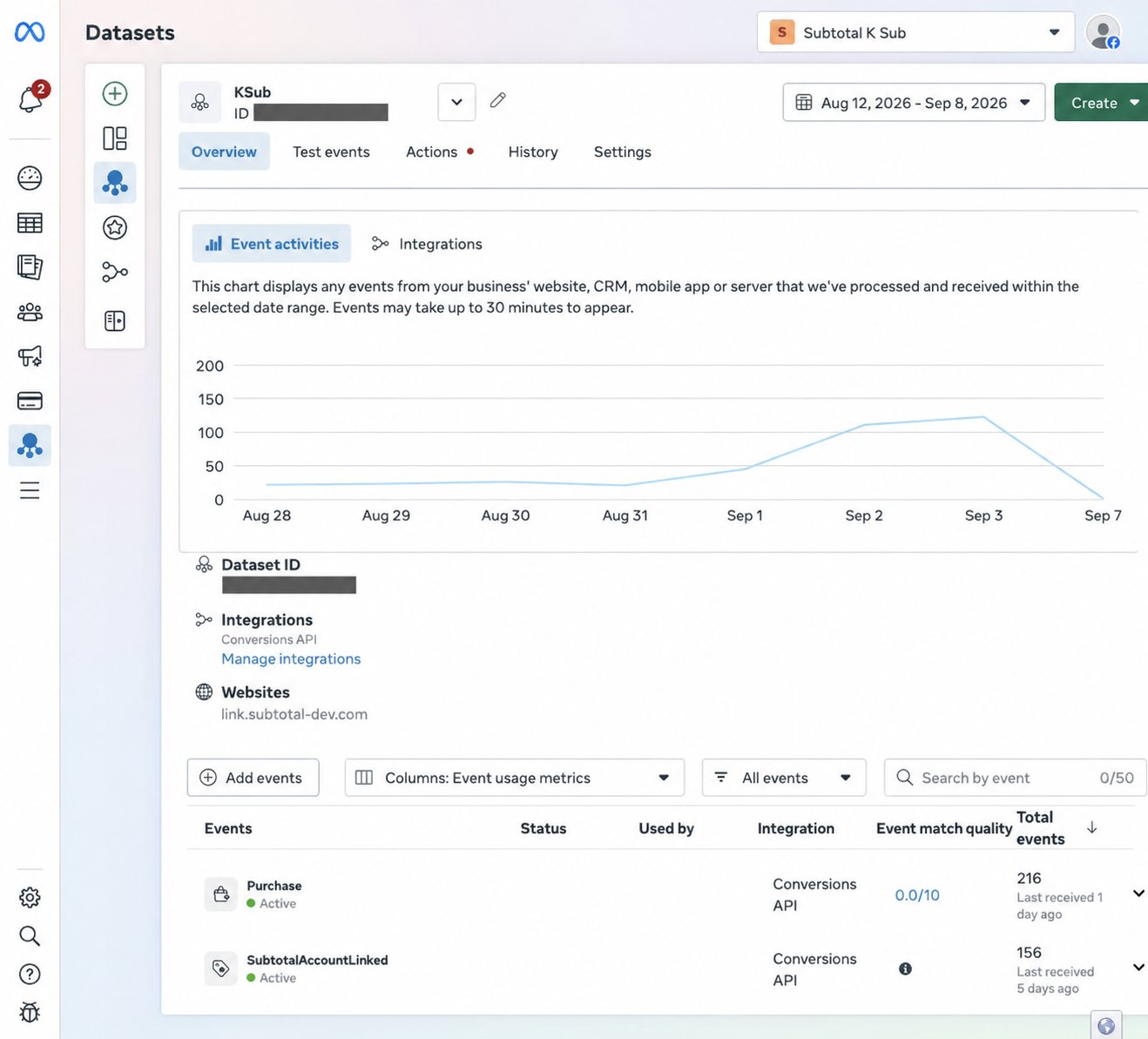
Sending in Subtotal means the event destination is configured. It is not a delivery receipt. An event appearing in Events Manager also does not prove ad attribution.
If events are missing
Next: Understand the events.