Overview
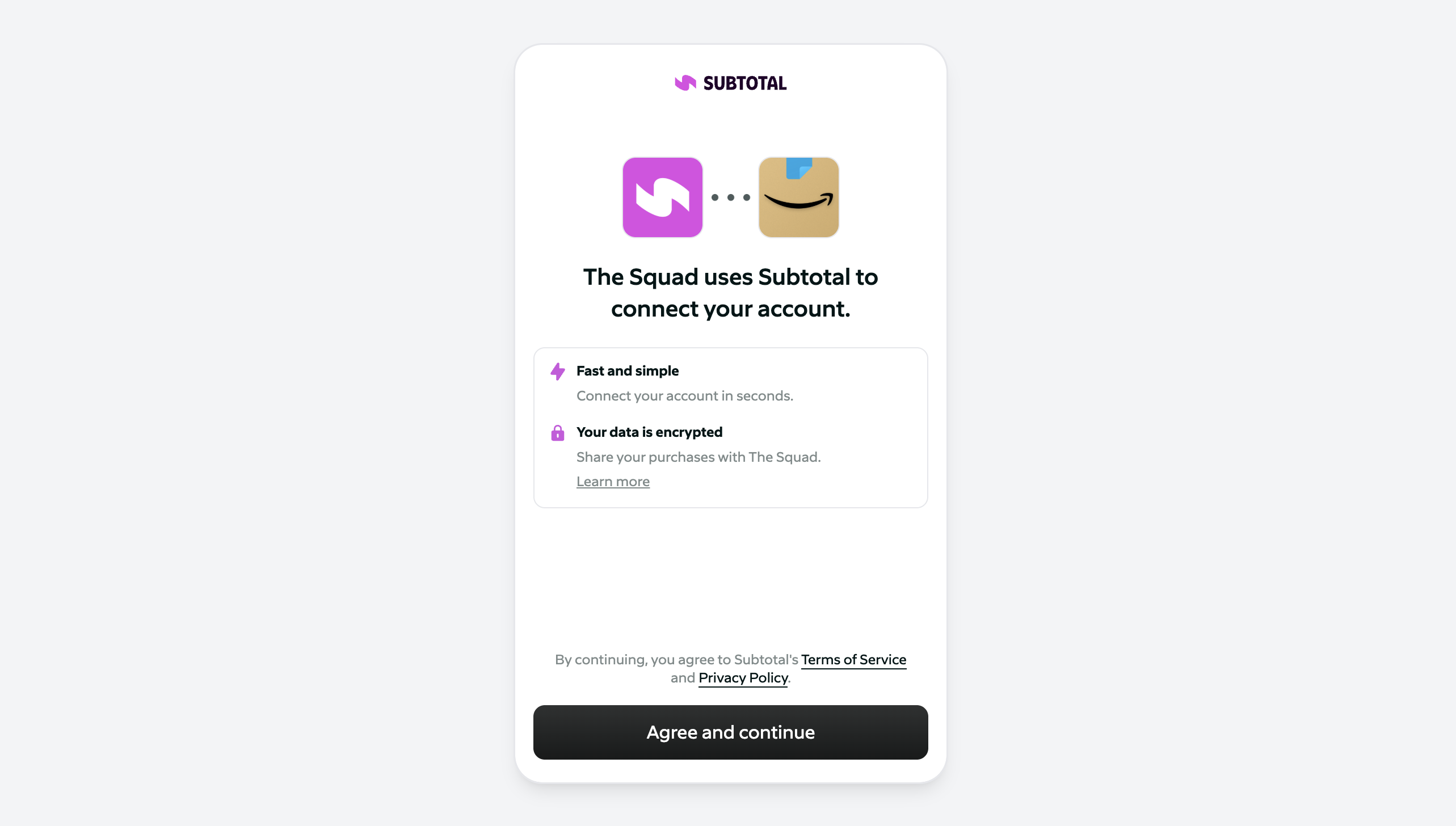
Subtotal Link is the interface that lets consumers securely connect their accounts. Consumers use it to link accounts from retailers like Amazon, Walmart, and Sephora to the brands they shop with. It provides a consistent, trusted experience for account linking across all supported retailers.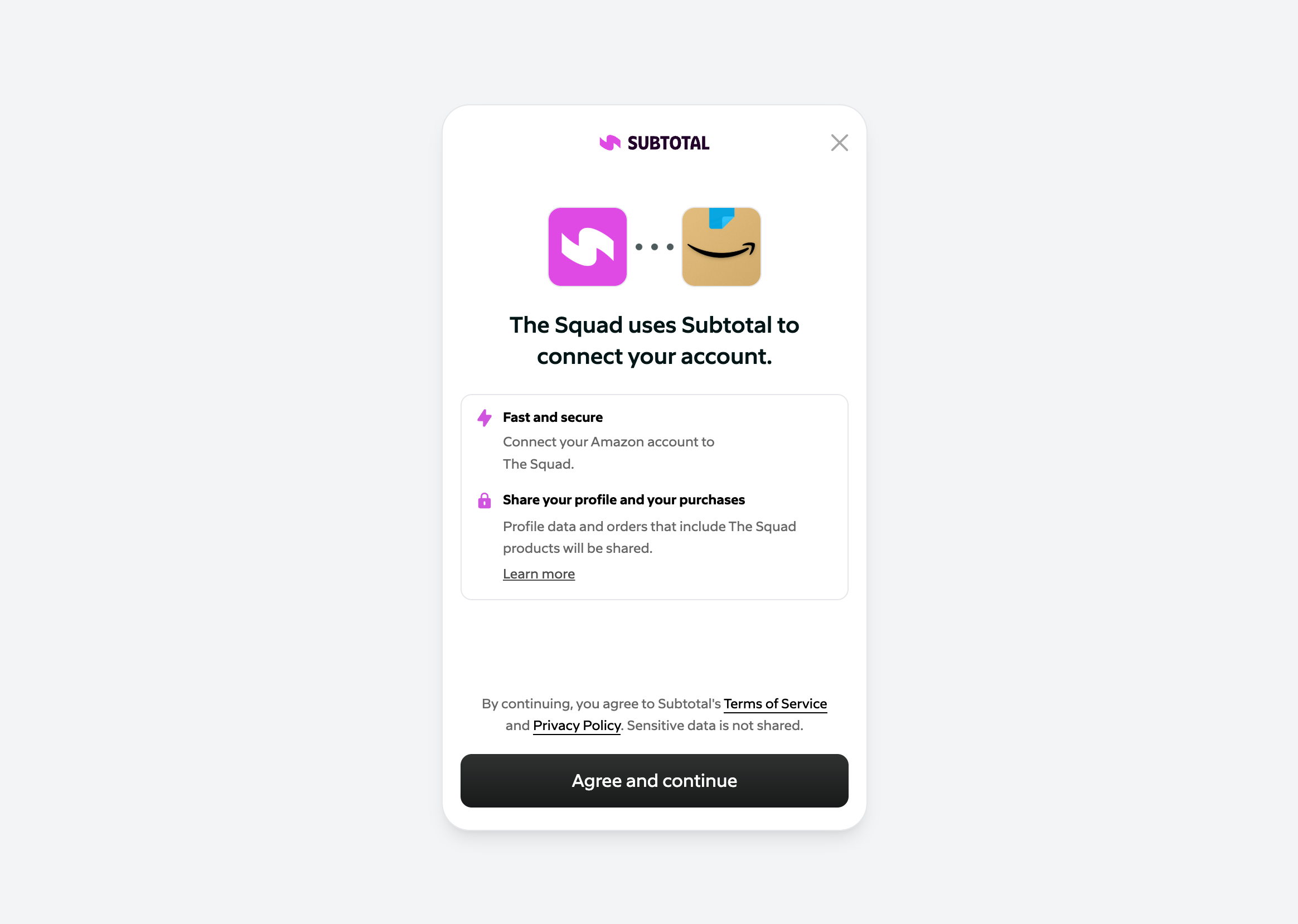
Subtotal Link is the only available method for connecting accounts and is required for all Subtotal integrations.
Configuration
Sign in to the Subtotal Dashboard and configure the account linking experience for your users.Brand name
Your brand name appears throughout the Subtotal Link experience and tells users who they are allowing to access their purchase data. It should clearly identify your brand so customers understand who they’re sharing their retail data with.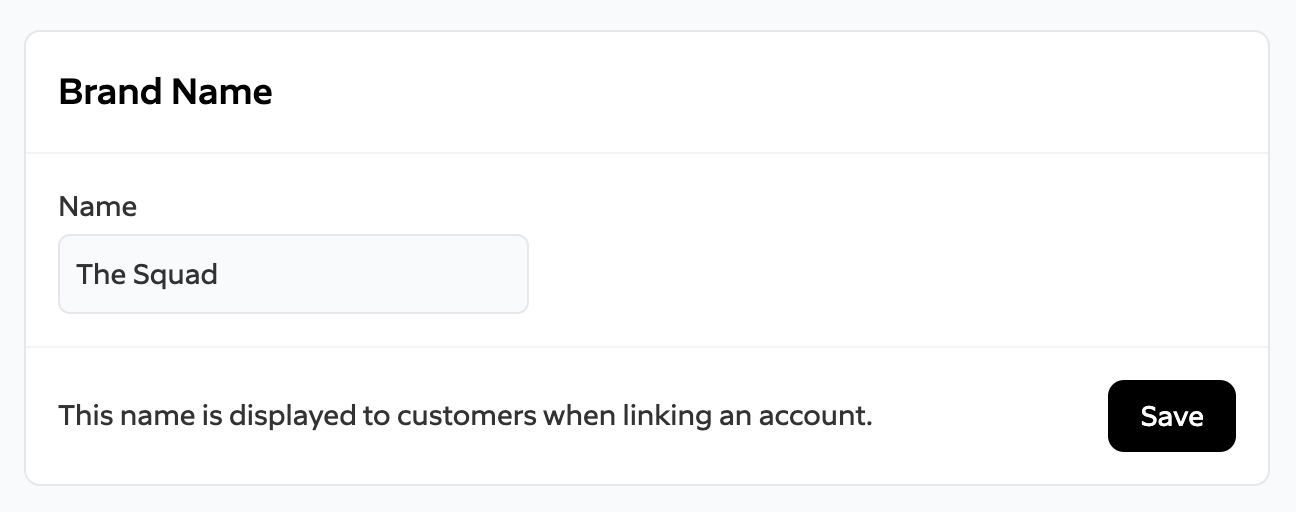
Brand icon
Your brand icon is displayed alongside your brand name to help users quickly recognize you. Use a simple, high-contrast logo that remains legible at small sizes to reinforce brand trust during the linking flow.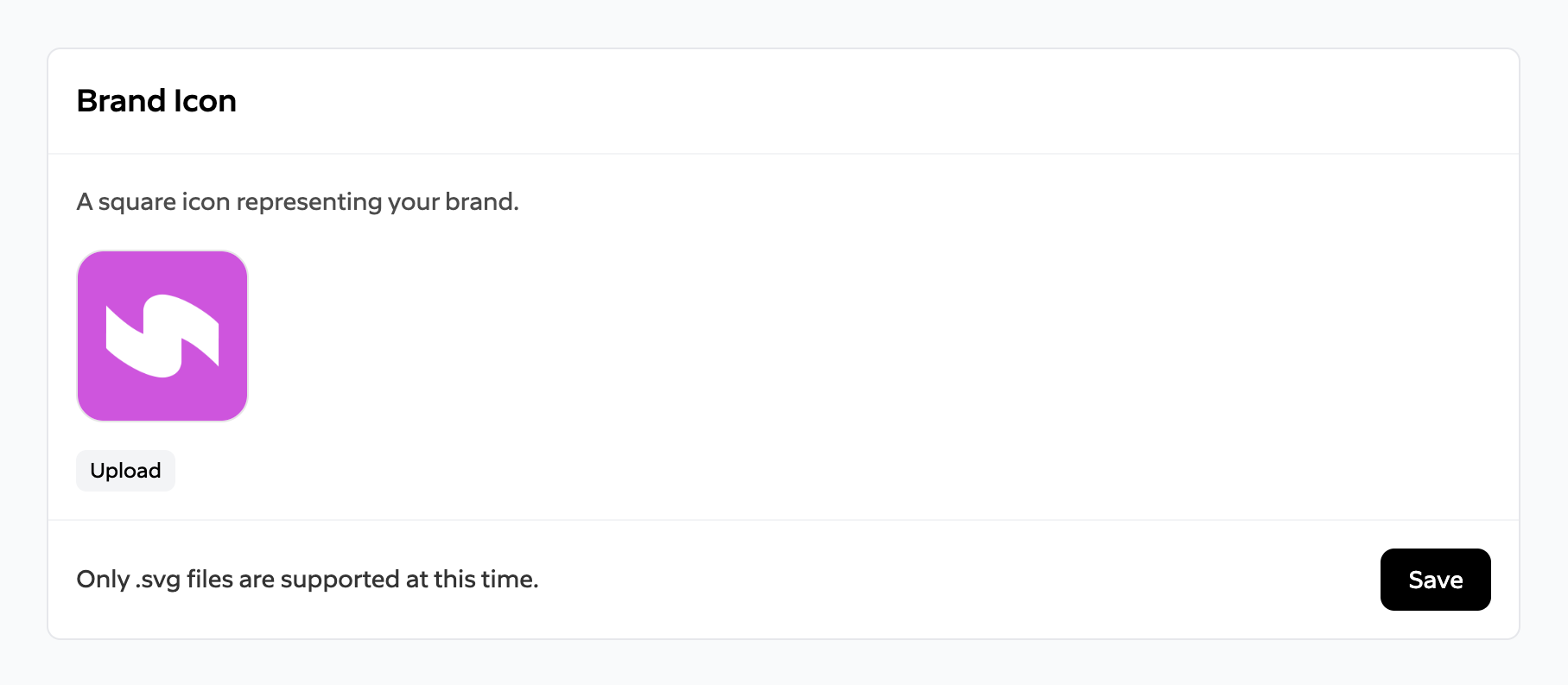
Retailers
Select the retailers you want your program to support. Customers can link their accounts from these retailers to share verified purchase data with your brand.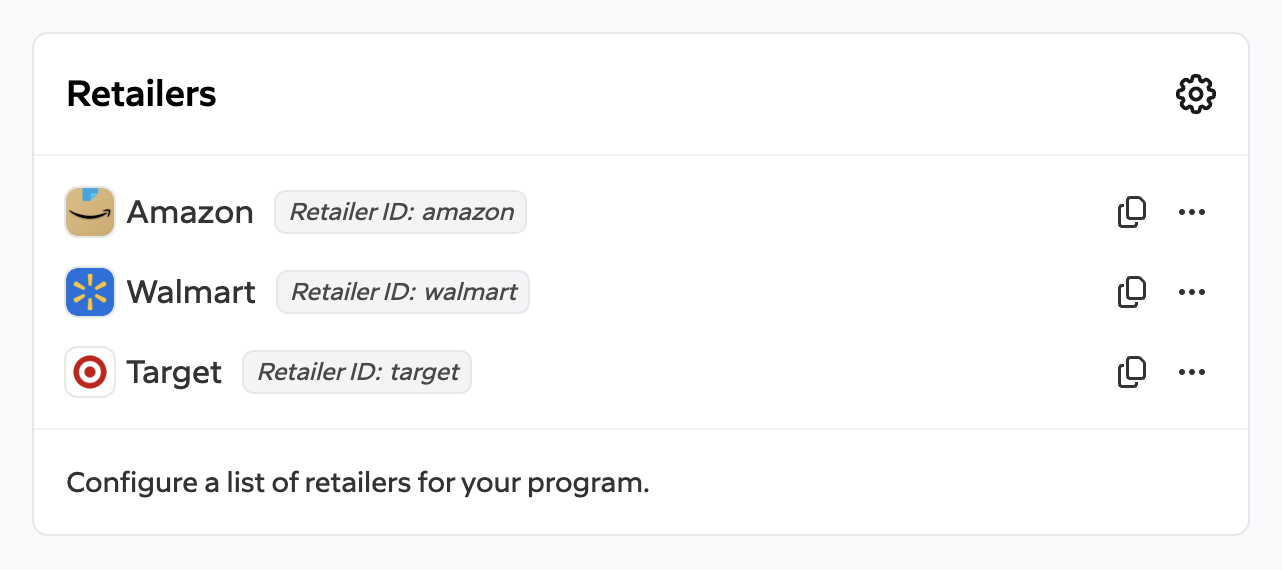
Link an account
For campaigns and customer profiles, create a customer Link token from your backend and send the consumer their URL. It opens the branded retailer picker and can be reused across visits and enabled retailers. If your app already creates retailer connections, continue using connection tokens. Existing static and/select?client_id=… URLs are deprecated and will be removed in a future release.