

Add action.
Choose Account connected as the event, give the action a name, optionally restrict to specific retailers, and set the Points value. The action name is what the customer will see in their Smile activity feed, so pick something recognizable (e.g. Linked a retail account).
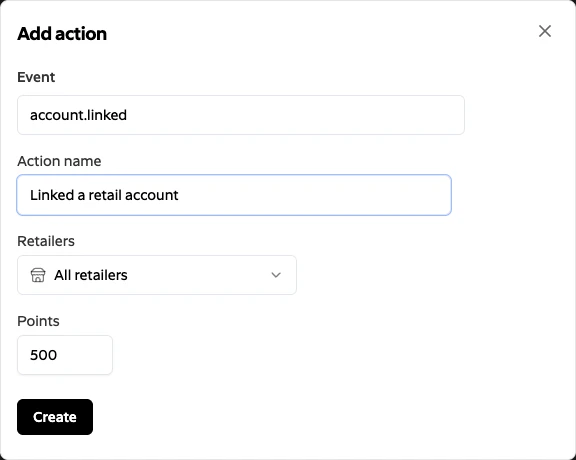
Create. Subtotal will now award the configured points in Smile whenever a customer links a qualifying retailer account.
Points are awarded on the first successful activation of each connection. Re-authenticating an existing connection (for example, after a retailer password change) does not re-award points. Creating a fresh connection after a disconnect will.