

Create a webhook destination
1
Sign in to the Subtotal Dashboard
Sign in to the Subtotal Dashboard and select Webhooks from the side menu.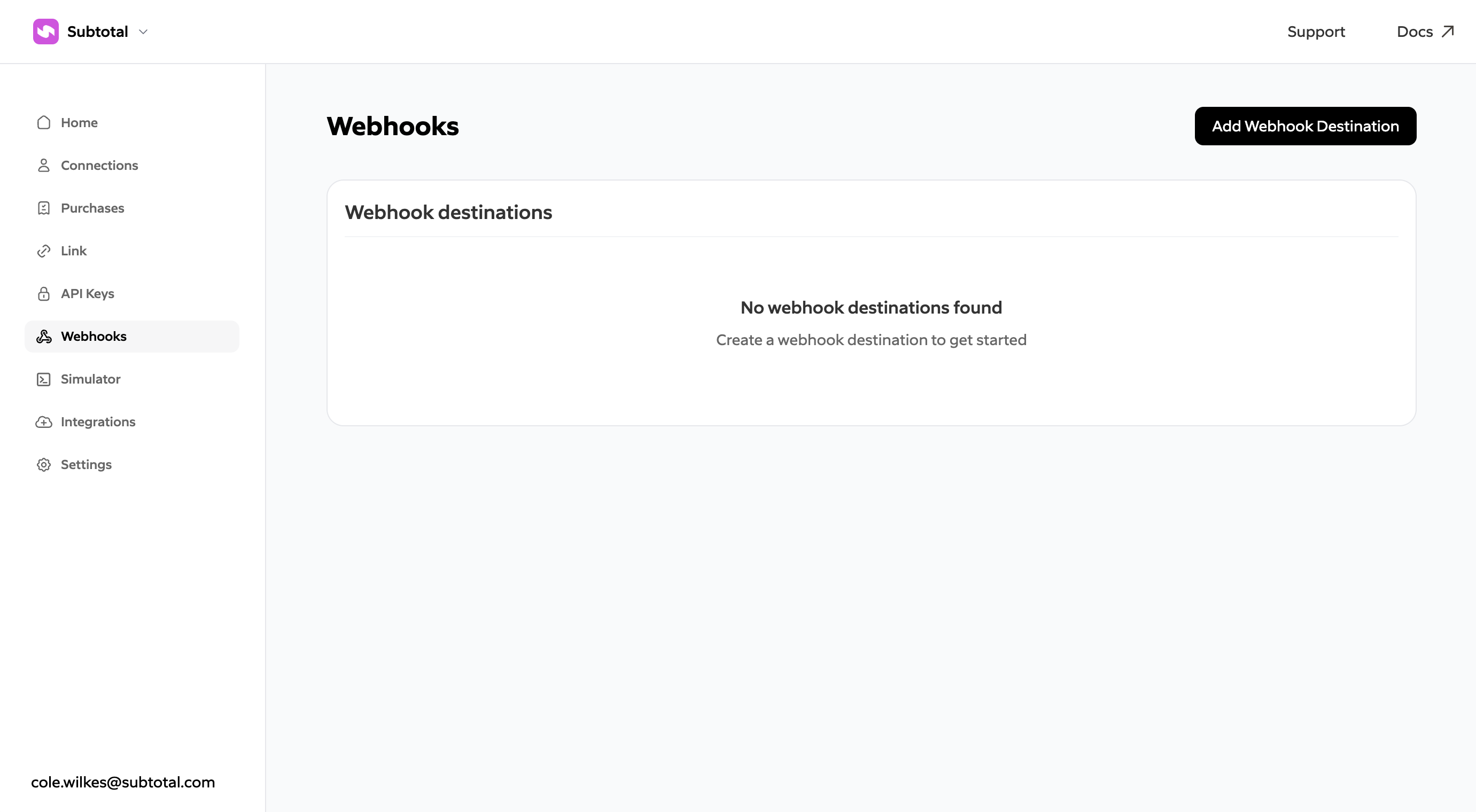
2
Add a webhook destination
Click Add Webhook Destination and specify a name and URL.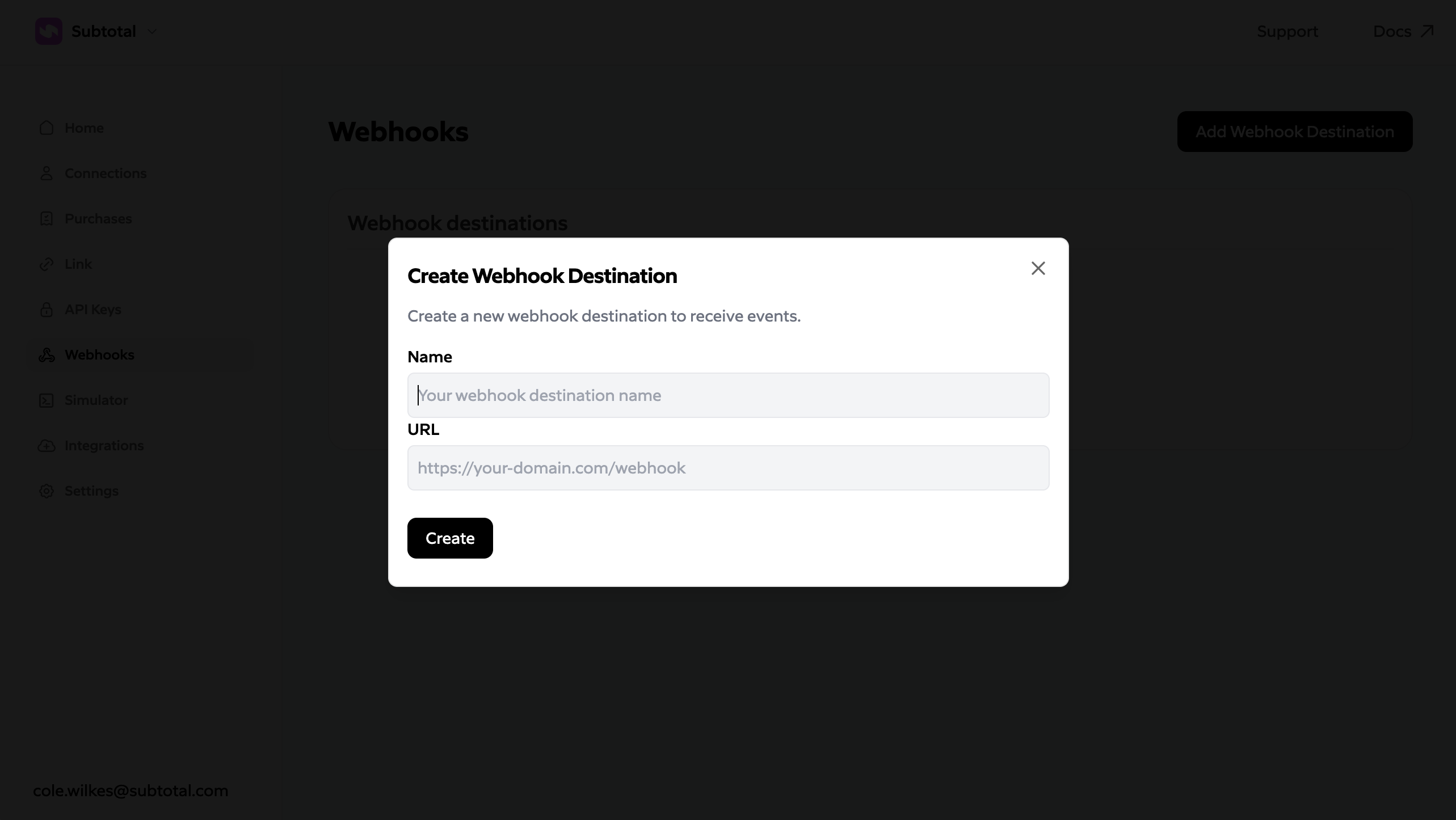
You will receive a signing secret for the destination. Store this secret securely and use it to verify webhook signatures for every request.
Keep your signing secret private.
3
Configure events
Select the Configure option on your new webhook destination. Enable the events that you’d like this destination to receive.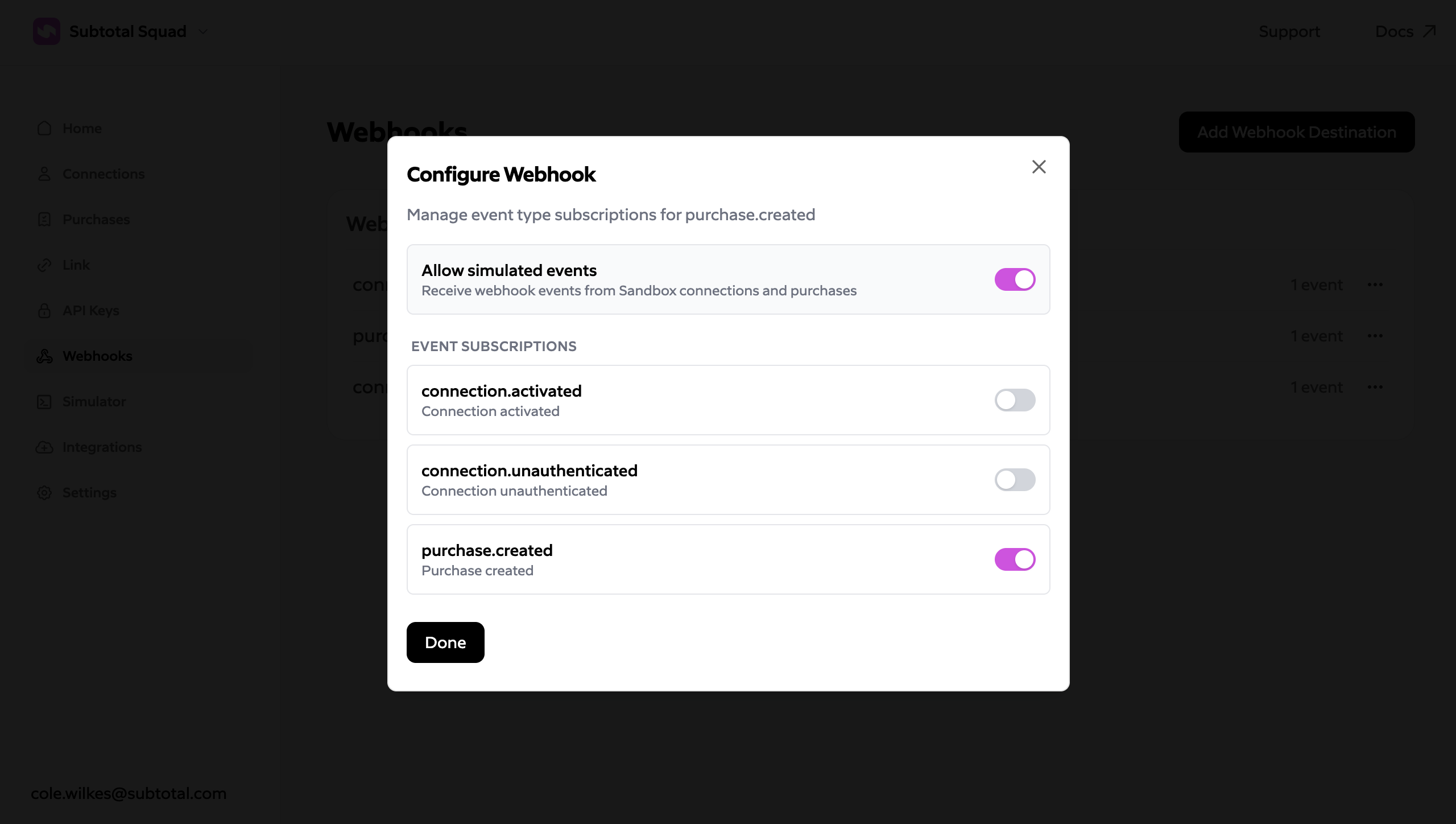
Requirements
- Your endpoint must be HTTPS.
- Your endpoint must respond with a 2xx status within 10 seconds. Failed deliveries are retried for up to about 17.5 hours; see Delivery and retries.
- Your handler must deduplicate on the event
id, which is reused when an event is retried or redelivered. - Implement signature verification to ensure requests are from Subtotal.