> ## Documentation Index
> Fetch the complete documentation index at: https://docs.subtotal.com/llms.txt
> Use this file to discover all available pages before exploring further.
# Introduction
> Connect Klaviyo and configure how customers are identified.
## Overview
Our integration with [Klaviyo](https://klaviyo.com) enables brands to create customer segments and trigger automated flows using verified retail purchases and account connection events from Subtotal.
This integration makes it easy to:
* Segment customers based on real-world retail purchases
* Trigger flows when customers link or unlink accounts
* Engage with retail customers in real-time
Connect your Klaviyo account to get started.
## Connect your Klaviyo account
Sign in to the Subtotal Dashboard and connect your Klaviyo account to enable the integration.
Navigate to [*Integrations → Klaviyo → Connect*](https://dashboard.subtotal.com/integrations/klaviyo)
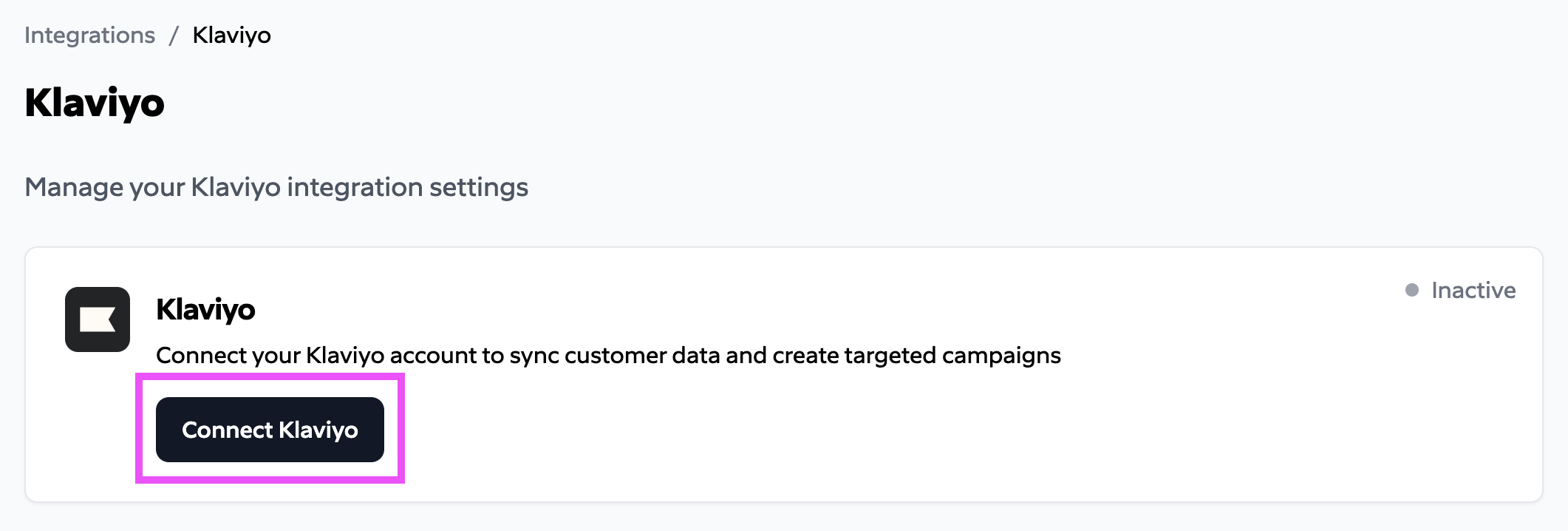
Click the **Connect Klaviyo** button.
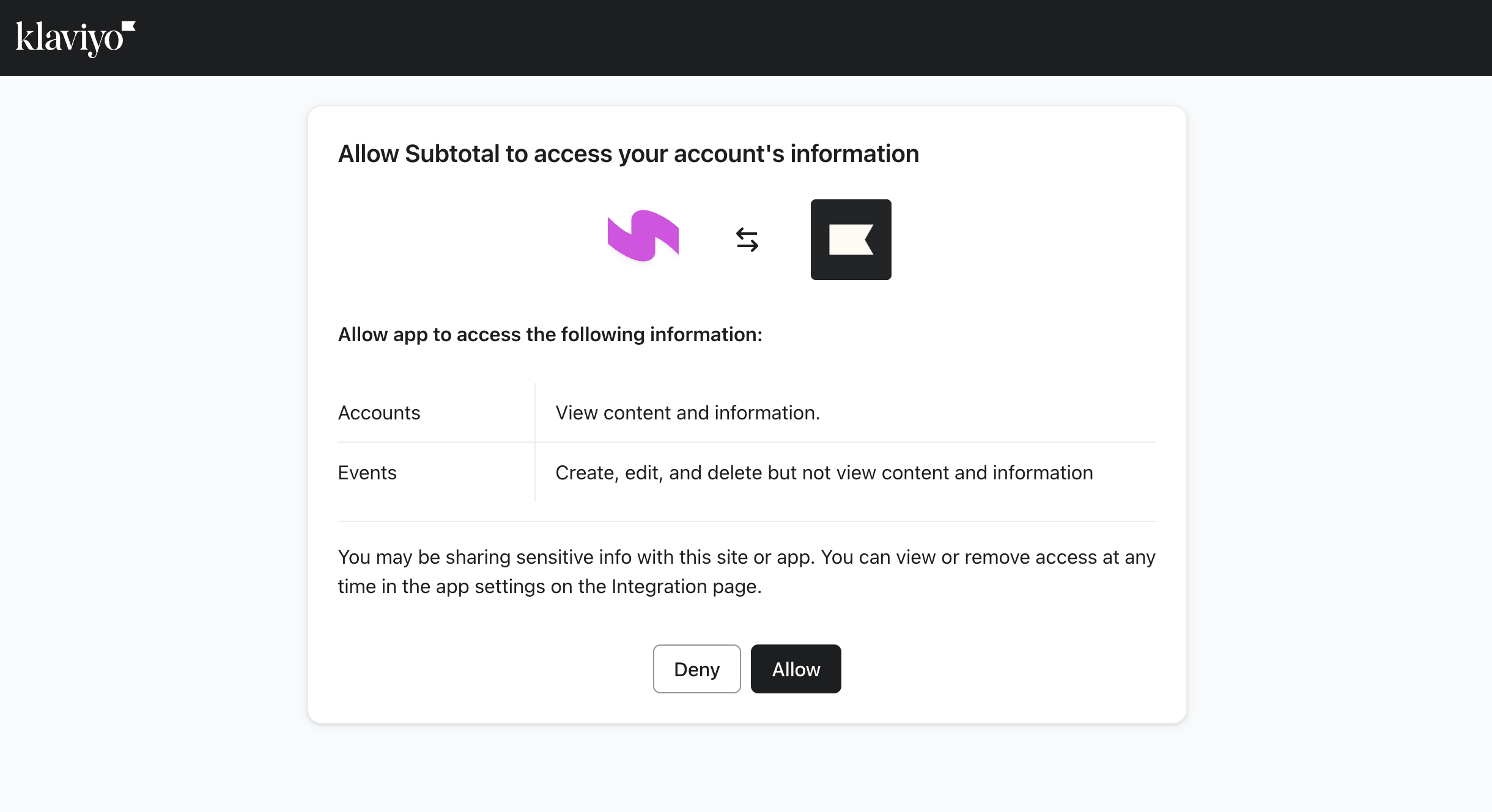
 Review permissions then click **Allow**.
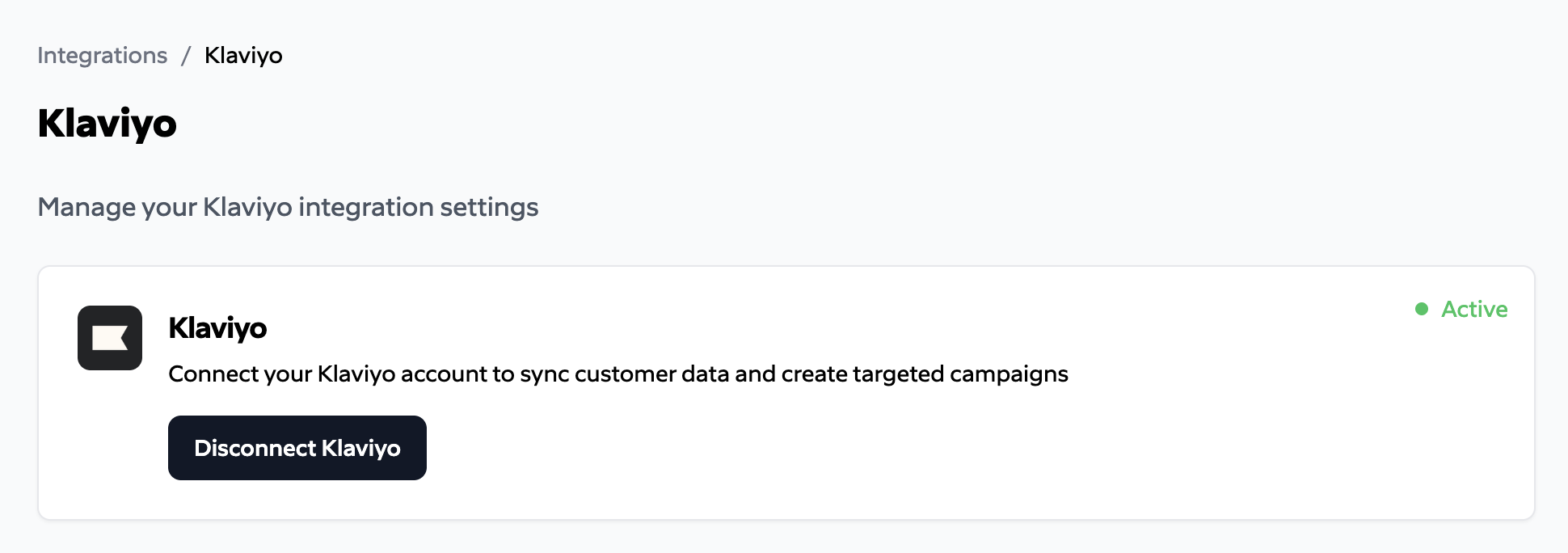
 You should now see an `Active` status on the Klaviyo integration page.
 ## Configuration
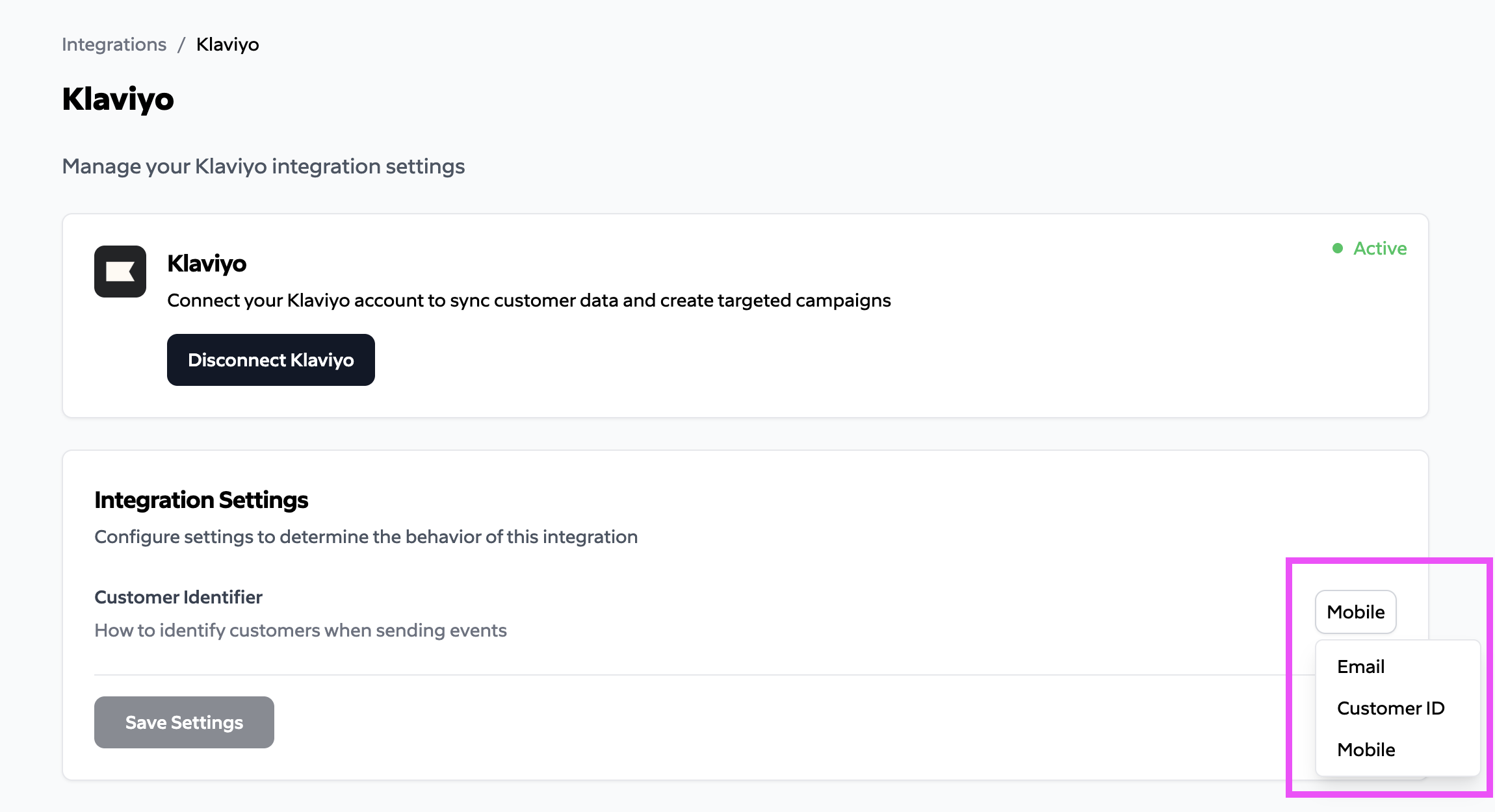
After connecting, you can adjust how Subtotal matches your customers in Klaviyo.
| Setting | Description |
| ----------------------- | ------------------------------------------------------------------------------------------------------------------------------------ |
| **Customer Identifier** | The field on the connection to use when identifying the customer in the Klaviyo platform: **Email**, **Customer ID**, or **Mobile**. |
## Configuration
After connecting, you can adjust how Subtotal matches your customers in Klaviyo.
| Setting | Description |
| ----------------------- | ------------------------------------------------------------------------------------------------------------------------------------ |
| **Customer Identifier** | The field on the connection to use when identifying the customer in the Klaviyo platform: **Email**, **Customer ID**, or **Mobile**. |